


Requesting a Refund or Unregistering - Pokémon Events

May 10, 2026
 3124
3124
If you are no longer able to attend an event, you can manage your registration through your Player Dashboard. This process differs slightly depending on the event type:
- Regional Championships: You will select Request refund.
- Special Championships: You will select Unregister.
How to Start the Process
- Log in to your Player Dashboard.
- Locate and select the tournament under My Registrations.
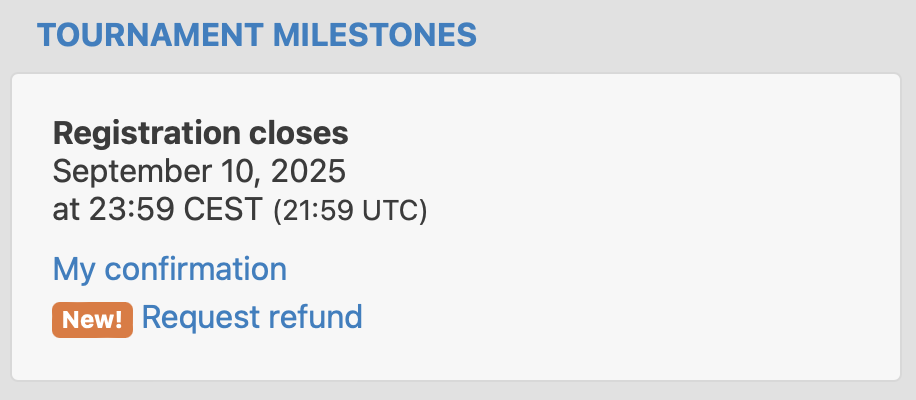
- Under the Tournament Milestones section, click the link to Request refund (or Unregister).
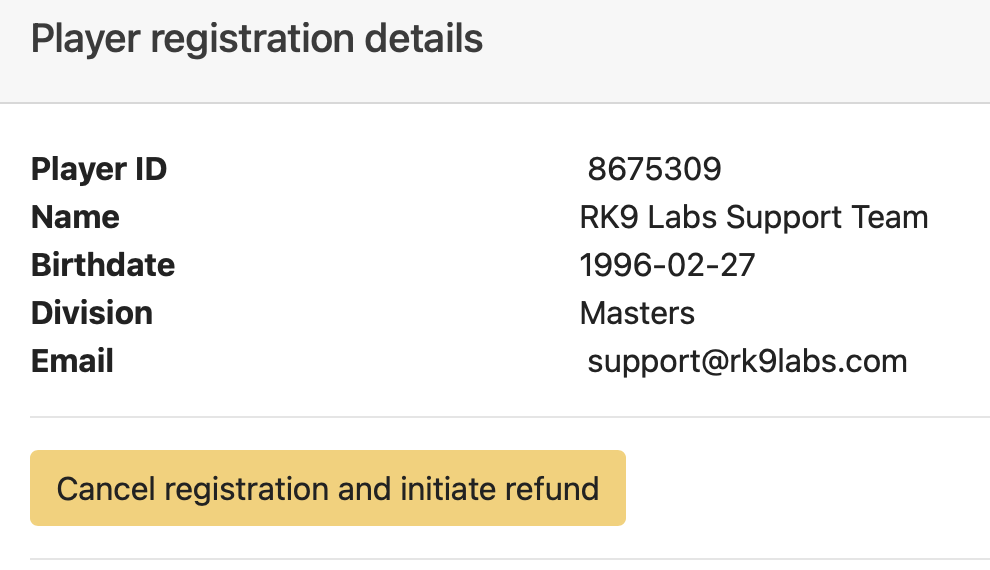
- On the following page, locate the yellow button labeled Cancel registration and initiate refund.
Reviewing the Policy
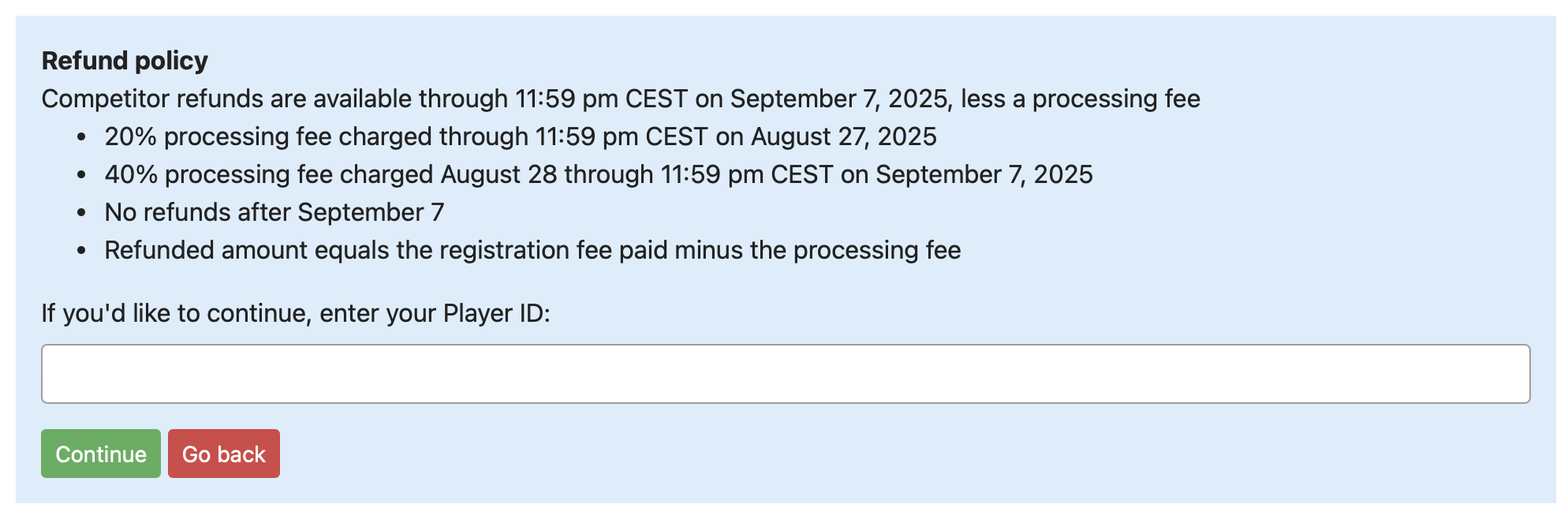
- Before the process is finalized, a blue box will appear containing the specific refund details for that event.
- Review these details carefully, enter your Player ID, and provide a reason for the cancellation.
- Check the confirmation box and select Process refund. You can also stop the process at any time by selecting Go back.
Note: Refund policies, including deadlines and any processing fees, are established by the event organizer.

What Happens Next?
One confirmed, a green Registration removed banner will appear. You will also receive an email confirmation.
- Refund Timing: It typically takes 5-10 business days for the funds to appears on your original payment method.
- Finality: Once a registration is canceled & refunded, we cannot restore your registration.
Need Help?
If you have questions regarding the specific refund policy or an exception to the deadline, you may submit a support ticket for further assistance.

